Find your words.
Draft a message, untangle a paragraph, or give an idea a clearer shape.
A thought you haven’t found the words for. A plan that needs a starting point. A project you’re ready to pick up again. Start a conversation and take it from there.
Draft a message, untangle a paragraph, or give an idea a clearer shape.
Explore a question, compare options, and turn a big task into a first step.
Get help with code and projects, then keep your conversations and files together in the app.
The Helios desktop app brings conversations, projects and files into one workspace. Connect your computer when your work needs it, and return to what you started.
Explore the workspace ↗Windows and Apple silicon Mac. Some tasks require a connected device or extra permissions.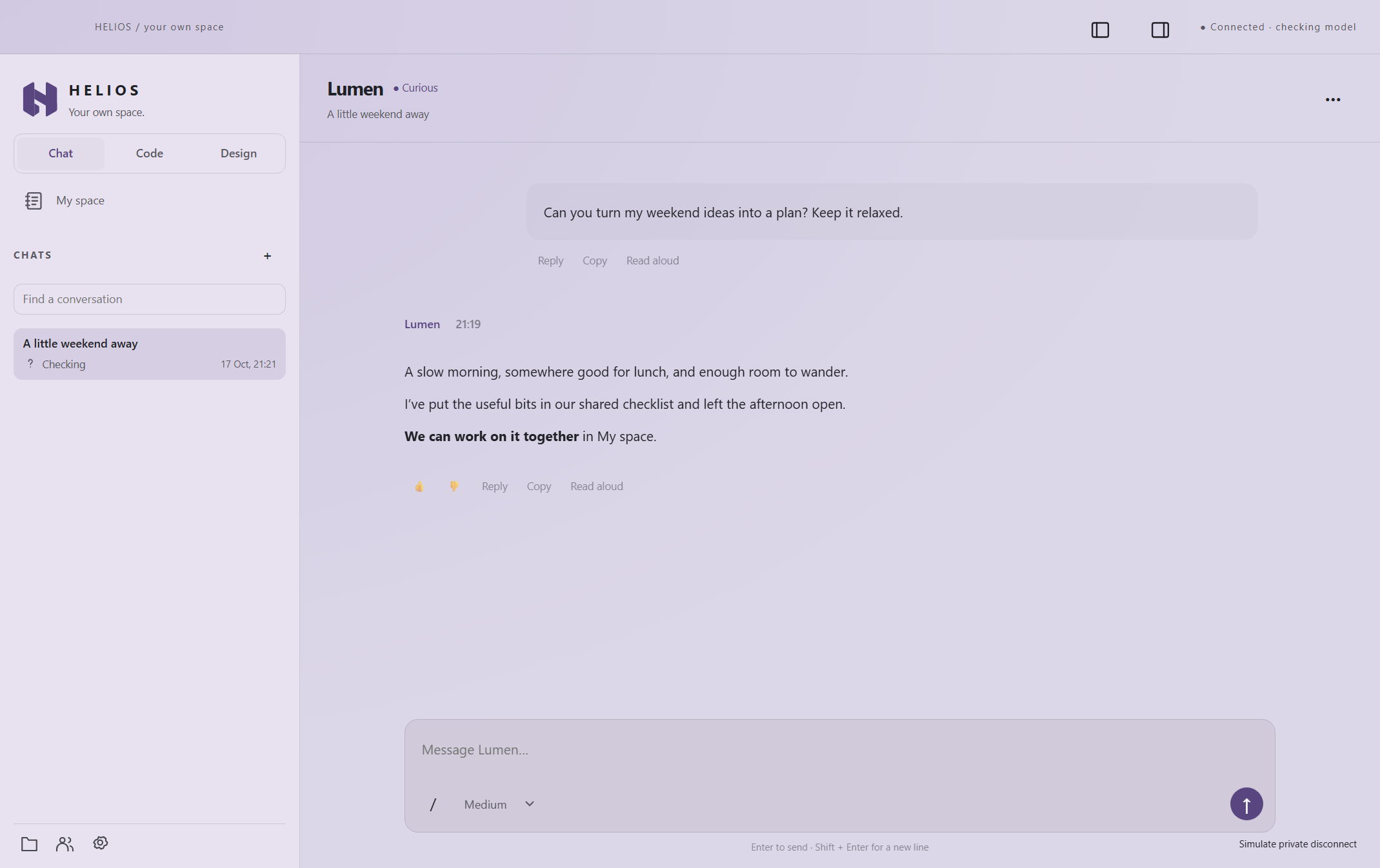
Yes. The homepage chat gives you four free messages with short replies. It is a text-only introduction; it cannot access files, browse the web or use your computer. Anti-abuse limits also apply to shared networks.
Request early access and tell us what you want to do. We’re starting with a small customer group and personal setup help. You’ll receive the next steps if a suitable place is available.
Demo messages are processed by Helios and its AI provider to generate a reply. We don’t save the conversation on the demo server. A browser cookie and limited usage records help enforce the free allowance. Read the privacy notice for details.
No. The website demo and access application are free. A subscription starts only if you’re invited, access is ready and you choose to pay.